
What 2080 does for you
Every feature exists to answer one question: what should I work on right now? Here's how they add up.
Clarity
Always know what's next
Most task lists show you everything and let you figure it out. 2080 does the figuring for you.
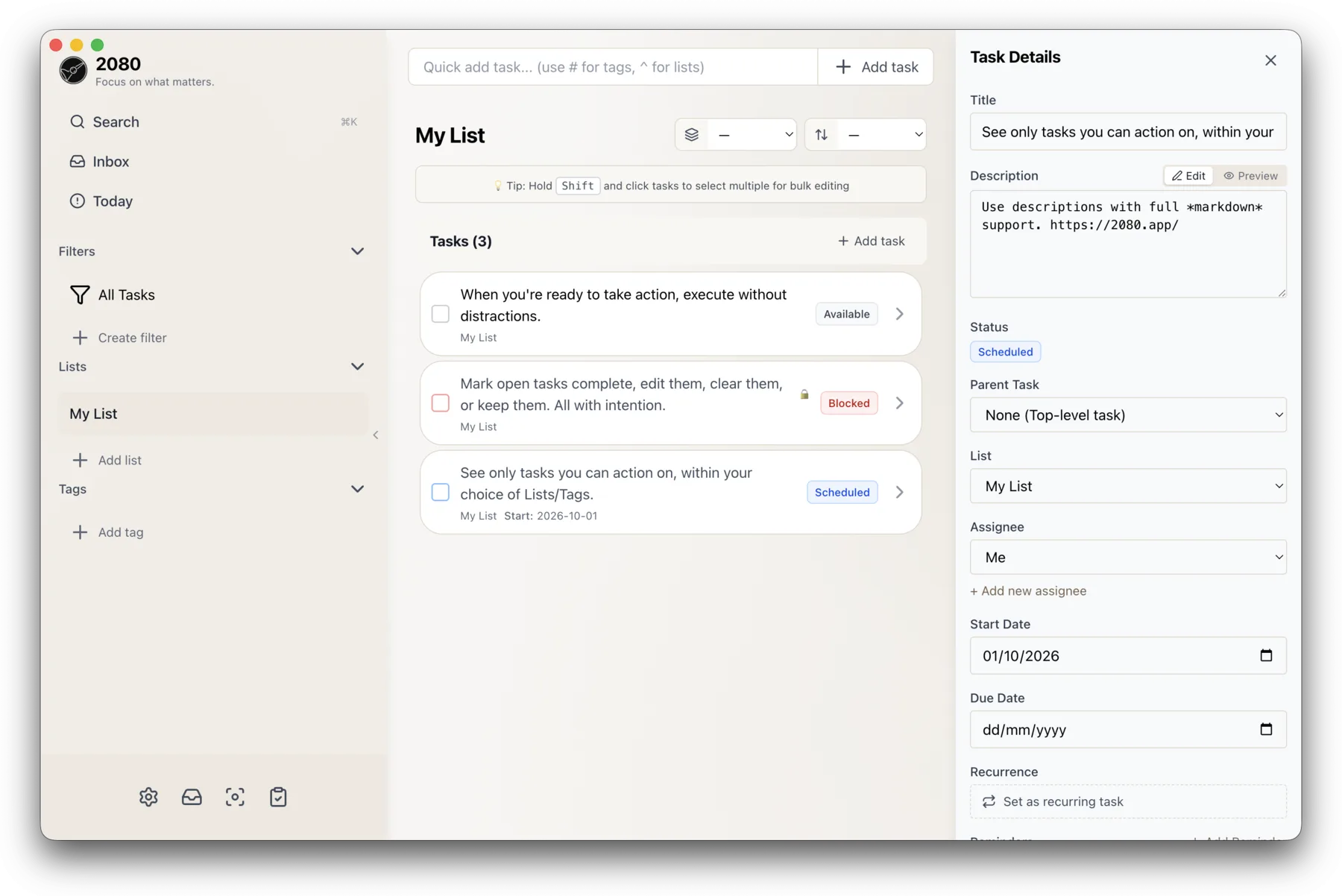
Statuses you never have to set
2080 works out automatically whether each task is Available, Blocked, Scheduled, or Waiting. Your list always reflects reality, without you maintaining it.
Plan a project once, then follow it
Link tasks with dependencies. When you finish a blocker, the next task unlocks by itself. No re-planning, no "wait, what was next?"
Future tasks stay out of your way
Give a task a start date and it stays quietly Scheduled until that day arrives. Overdue work is highlighted, so nothing slips past you either.
Find anything in seconds
Press ⌘K and search across titles, descriptions, and tags. Or jump straight to Today to see only what's due. No scrolling, no digging.
Capture
Get it out of your head, fast
An idea you don't capture is an idea you'll be re-remembering at 2 a.m. Capturing in 2080 takes seconds.
Type it like you'd say it
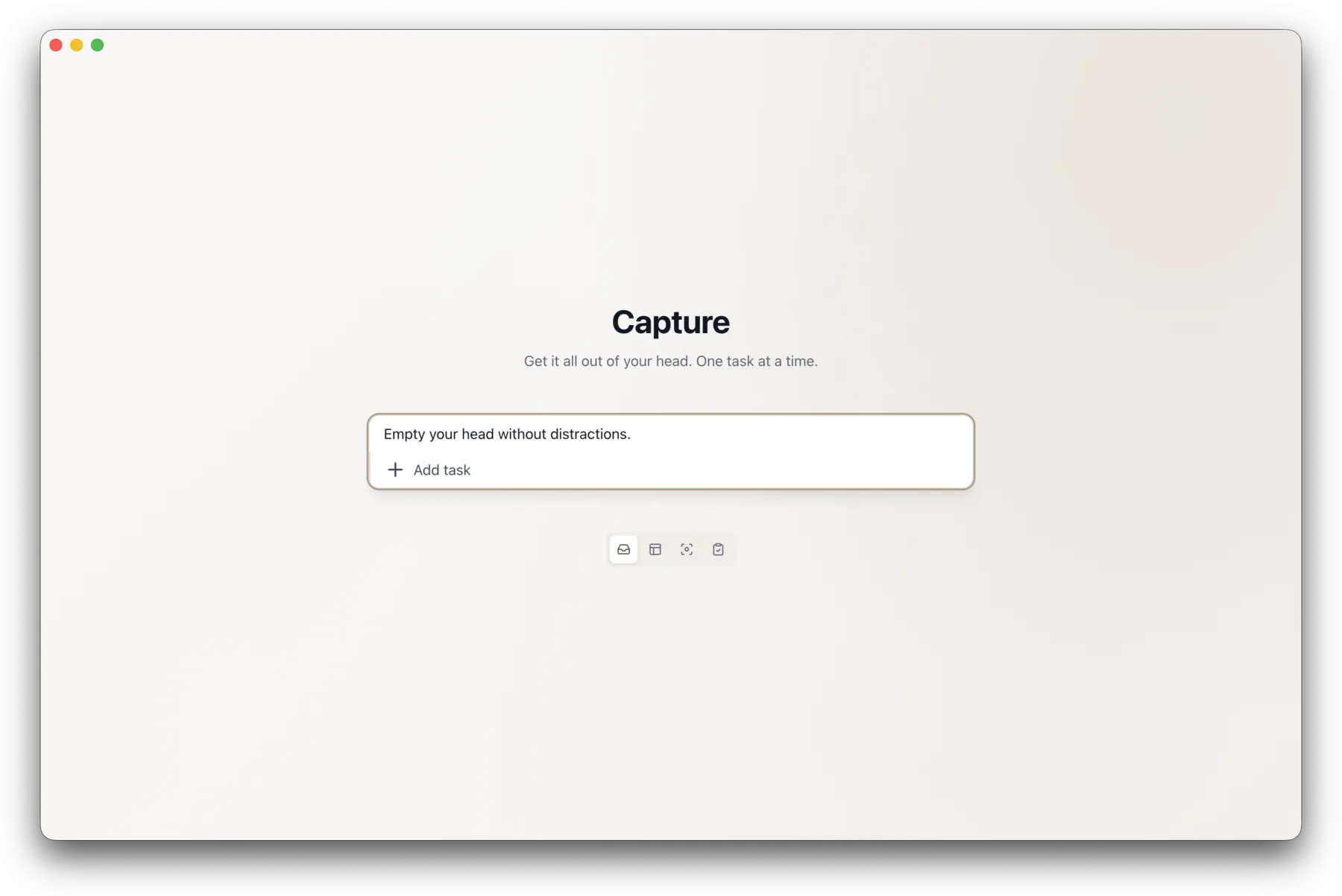
Type "Buy soil due tomorrow #garden ^Home" and the quick add bar parses the dates, tags, and lists as you go. No menus, no dropdowns.
Empty your whole head at once
Capture Mode is a blank screen with a single input. Brain-dump everything on your mind, one task after another. Sort it out later.
Your tags and lists, suggested as you type
Start typing # or ^ and 2080 autocompletes from what you already have, or creates something new on the fly.
Focus
Do one thing at a time
Notifications, open tabs, the rest of the list — plenty is already competing for your attention. 2080 tries not to add to it.
A view with nothing to click away to
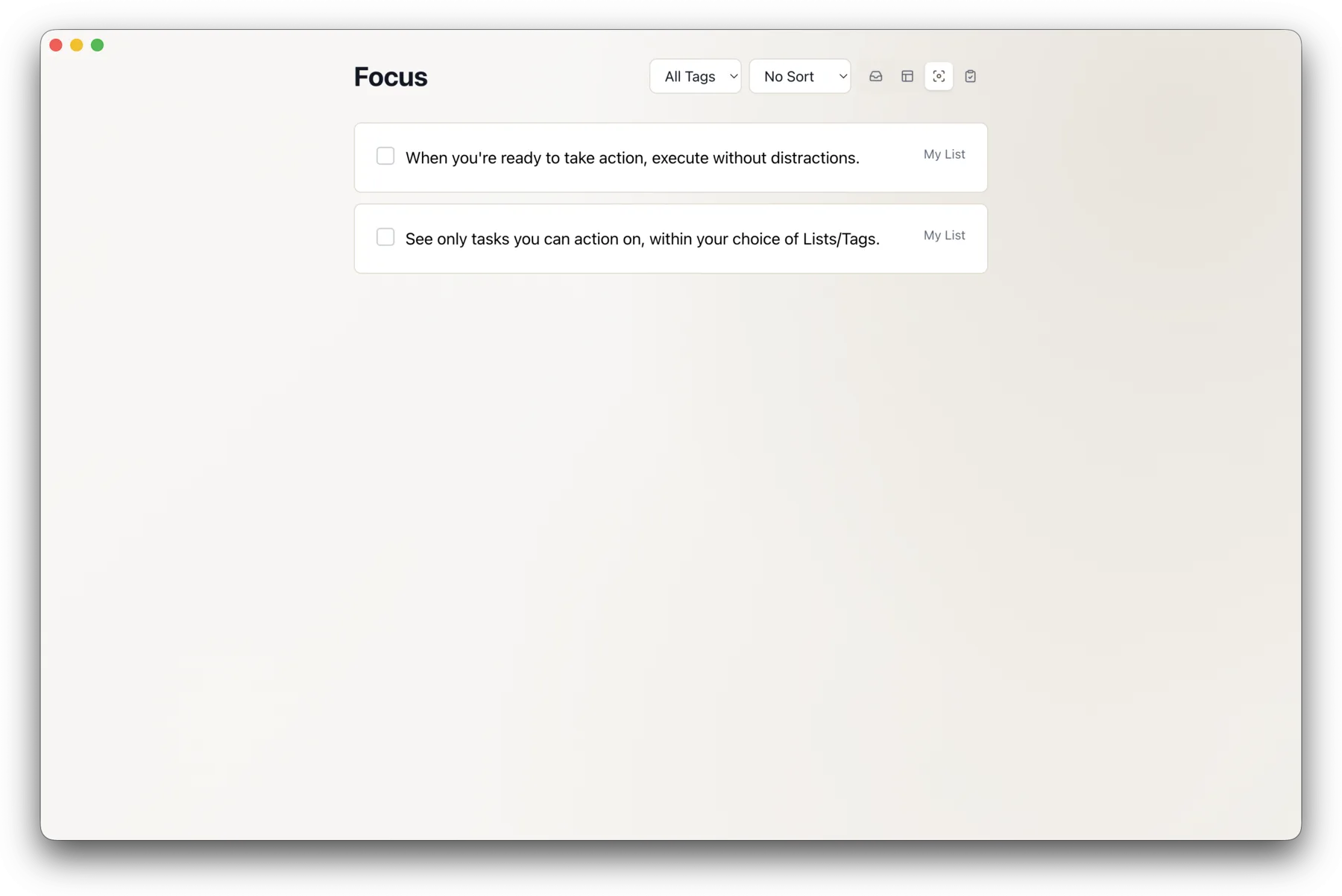
Focus Mode shows everything you can act on right now, full screen. No sidebar, no counts, no temptation. Keep certain lists or tags out of it and you're left with only the work you meant to be doing.
Remembering is the app's job
Set a reminder and get a desktop notification at the right moment. Until then, you're free to forget about it.
Routines that run themselves
Water the plants every Sunday, invoice on the 1st. Recurring tasks come back on schedule, so routines never depend on your memory.
Trust
A list you can actually trust
Task systems die when they fill up with stale tasks you've stopped believing. 2080 makes it easy to keep yours honest.
A weekly review, built in
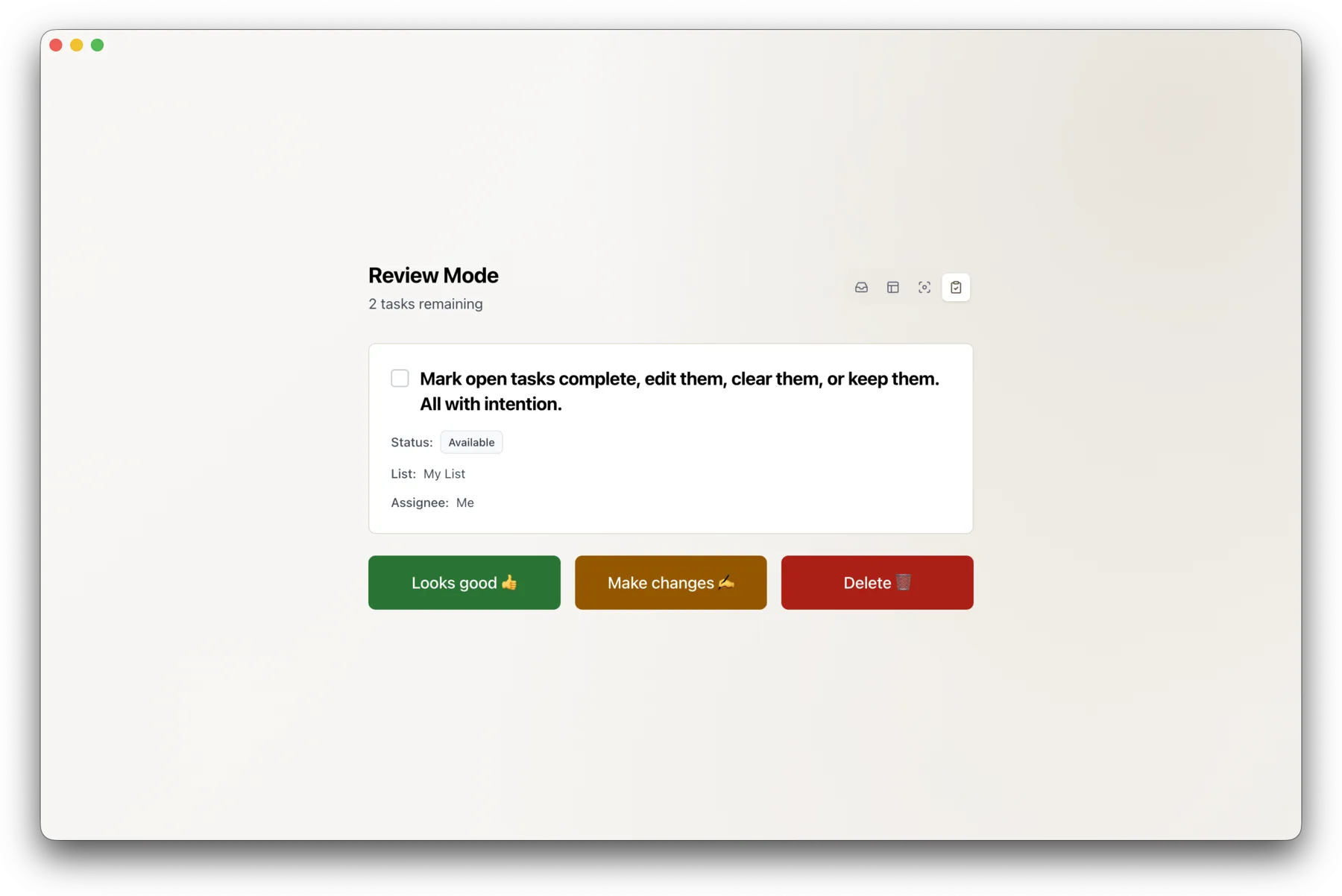
Review Mode walks you through your tasks one by one: keep it, edit it, or delete it. Ten minutes a week and your list stays something you believe.
Fix a dozen tasks in one move
Select a batch of tasks and re-date, re-list, retag, or delete them in one move. Tidying a messy week is a five-minute job.
Spot what's going stale
Every task remembers when you last reviewed it. Sort by it and the tasks you've been avoiding float right to the top.
Your way
Organized the way your brain works
Structure should fit how you think. Build the system you'd have designed yourself.
Lists and subtasks that mirror real projects
Group tasks into lists, break big ones into subtasks up to three levels deep, and watch each list's progress circle fill as you go.
Tags that cut across everything
Color-coded tags, with hierarchy if you want it. Filter by "Work" and see everything under it. One task can live in as many contexts as you need.
Your own views, one click away
Save any combination of lists, tags, statuses, and assignees as a filter. "Errands this week", "Waiting on others", whatever you need. Pin your favorites to the sidebar.
Notes with real formatting
Task descriptions support Markdown, so you get checklists, links, code, and headings. Keep the context on the task itself, where you'll go looking for it.
See what you're waiting on
Hand a task to someone else and it switches to Waiting. It's off your plate and still on your radar.
Keyboard-first, if that's your speed
Switch modes with ⌘1–4, add a task with ⌘N, search with ⌘K. Press ⌘/ to see every shortcut.
Ownership
Your tasks belong to you
No cloud, no account, no subscription. The app and everything in it belongs to you.
Everything stays on your machine
Your tasks live in a local database on your computer. No account, no sync servers, no telemetry. It works on a plane, and it's fast everywhere.
Backed up daily, exportable always
Automatic daily backups to a folder you choose, plus one-shortcut export of everything as JSON. Your data is never locked in.
Pay once, run it anywhere
One purchase covers macOS, Windows, and Linux, with updates included. No subscription meter running while you work.
See it for yourself
Try 2080 free for 7 days. No account required.